
Azure Event Hub
This data destination connector allows you to publish events to the Azure Event Hubs.
This data destination connector allows you to publish events to the Azure Event Hubs.
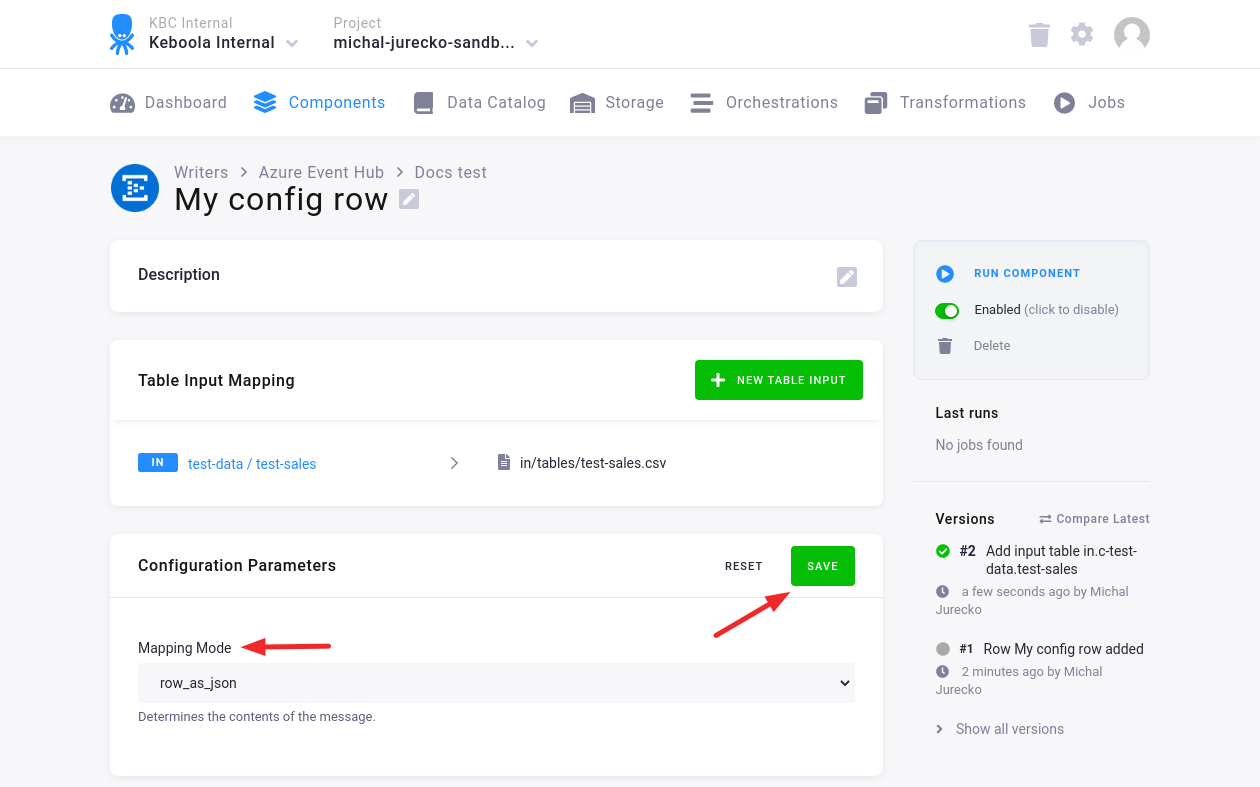
Mapping Mode
Section titled “Mapping Mode”There are two mapping modes:
row_as_jsonmode: message is the table’s row in JSON formatcolumn_valuemode: message is the value of the specified column, from the table’s row
Configuration
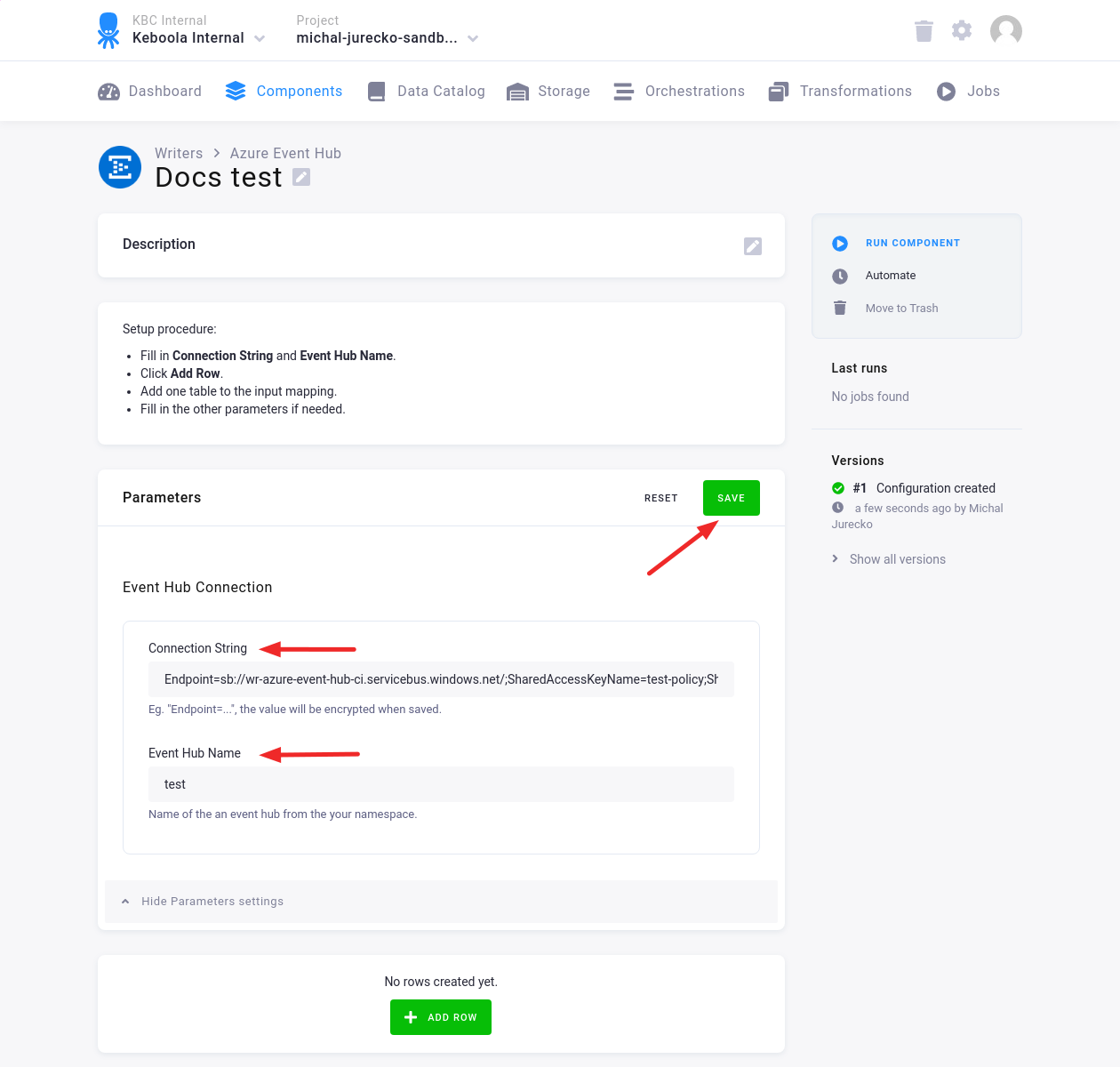
Section titled “Configuration”Create a new configuration of the Azure Event Hub connector.
Fill in the Connection String and Event Hub Name. Then click Save.
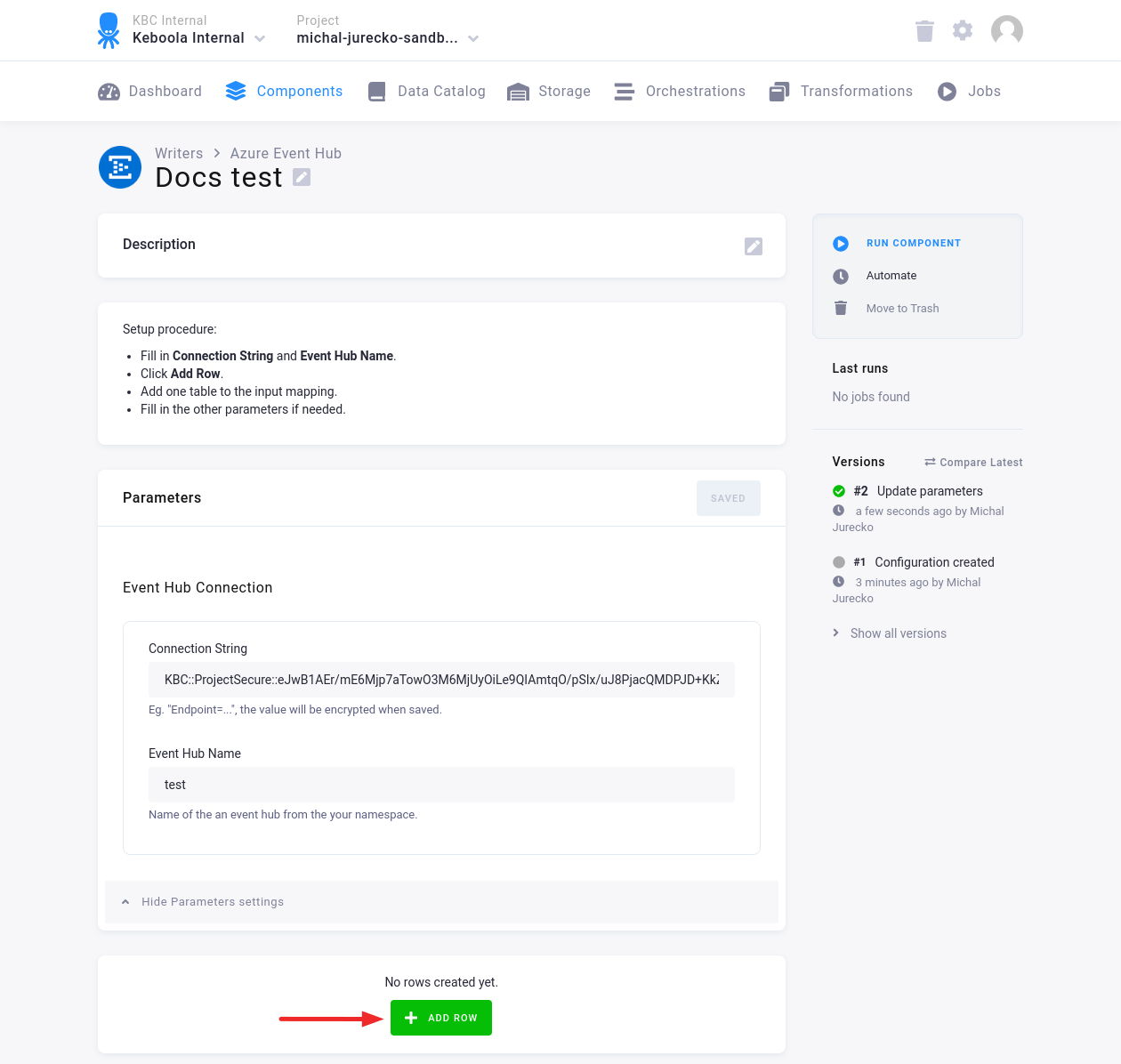
Click Add Row to add one or more configuration rows.
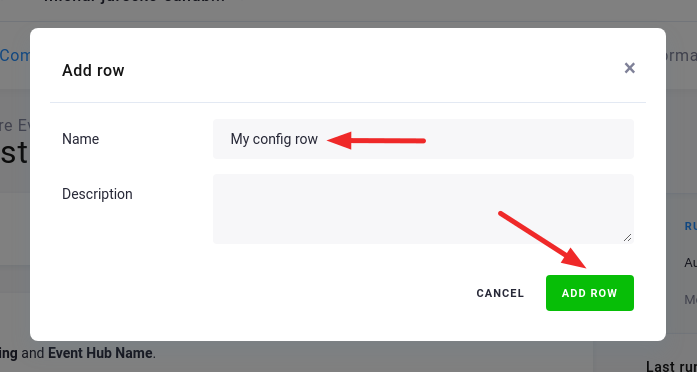
Fill in the Name, and, optionally, the Description. Then click Add Row.
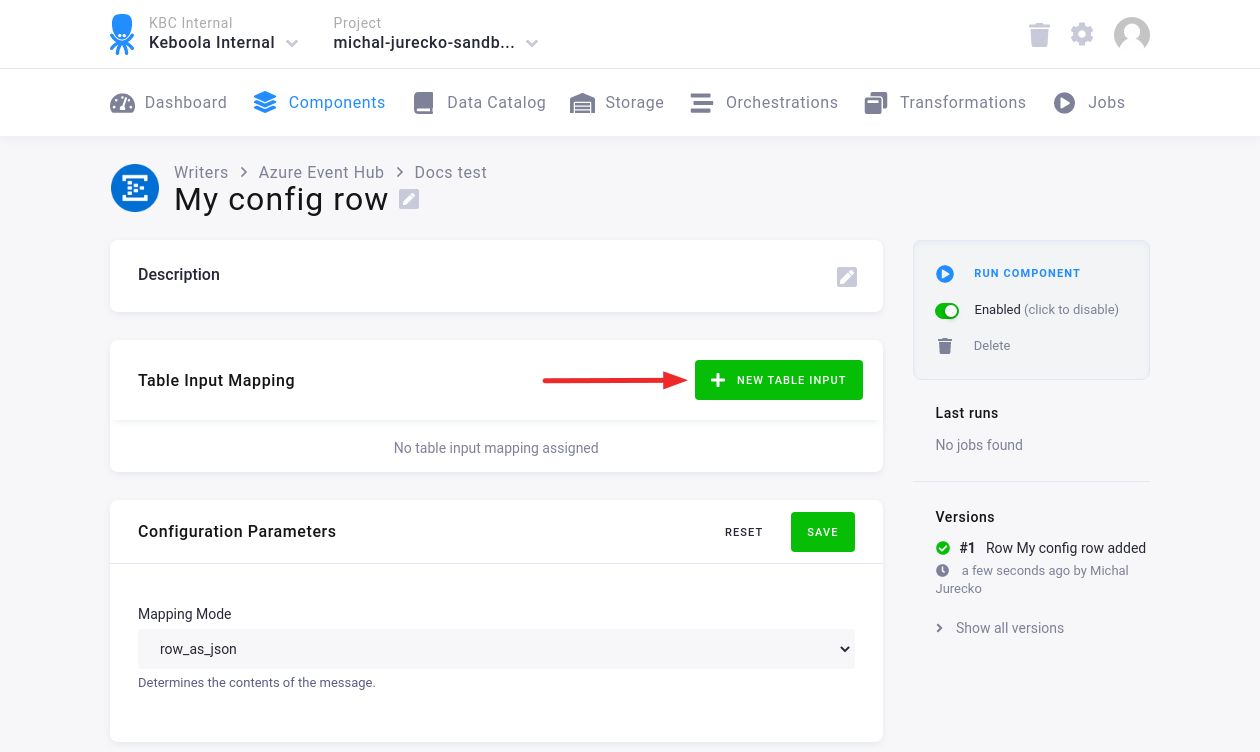
Click New Table Input to add one table to the Input Mapping.
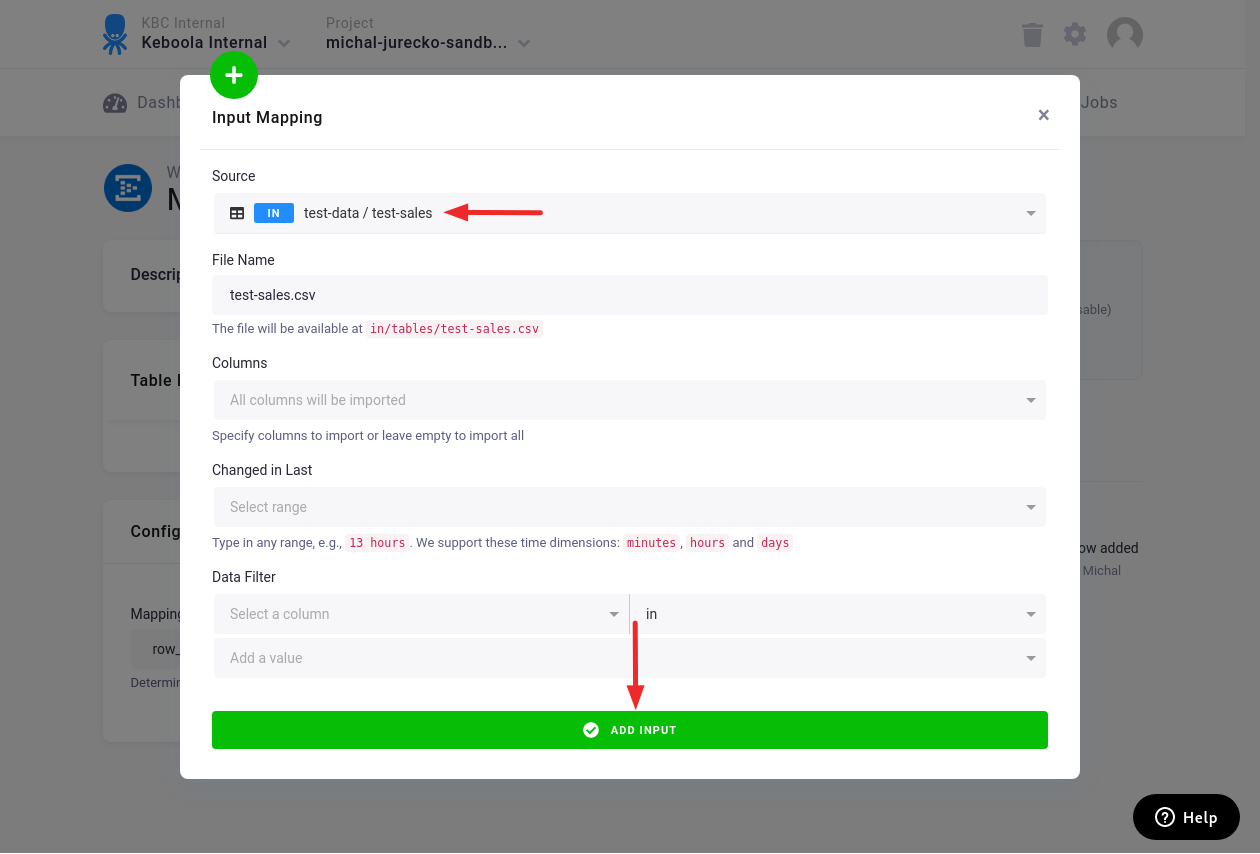
Fill in the Source table. You can also fill in other fields. Then click Add Input.
In the Configuration Row, fill in the Mapping Mode.
For the column_value mapping mode, also fill in the Message Column.
Then click Save.